Users keep gaining extra roles as the project evolves. What is the risk?
Permission accumulationResponsibilities change, but access often accumulates instead of being replaced. Review the effective combination of roles against current duties, including conflicting permissions. Remove unnecessary access through the owner-approved process and maintain a record of role changes.
What to do now
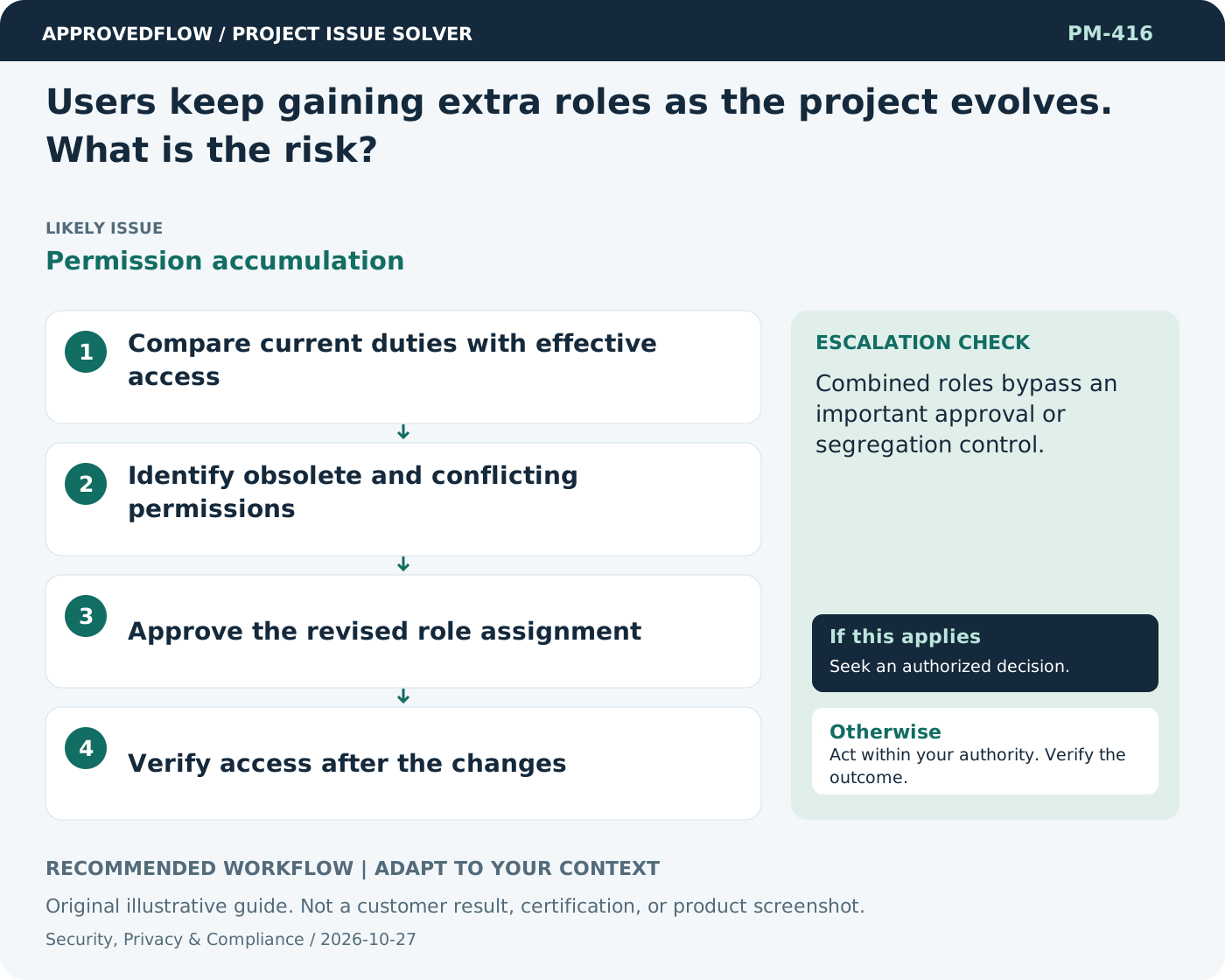
- Compare current duties with effective access
- Identify obsolete and conflicting permissions
- Approve the revised role assignment
- Verify access after the changes
When to escalate
Combined roles bypass an important approval or segregation control.
The qualified security privacy legal or control owner
Example
A temporary finance reviewer role is removed when the employee returns to a requester-only position.
Mistake to avoid
Reviewing each role separately while ignoring their combined permissions.
Prevent a repeat
Review access and controls when scope changes; obtain qualified advice for legal, regulatory and high-impact security decisions.
Suggested ApprovedFlow setup
- Documents
- Tasks
- Approvals
Track remediation tasks and non-sensitive review evidence; restrict sensitive incident or security detail through the authorized systems and permissions. See the platform
Related cases
- The security checklist is complete, but permission tests were never run. Is that enough?Unverified authorization controls
- A critical vulnerability appears during the final project week. What should I prioritize?Release-time vulnerability risk
- A sponsor approves scope but not the extra budget. What should we do?Unfunded change approval
- Users keep asking for small extras. How do I prevent scope creep?Accumulating unapproved scope