Our dashboard is green while the site has unresolved work. How do we fix it?
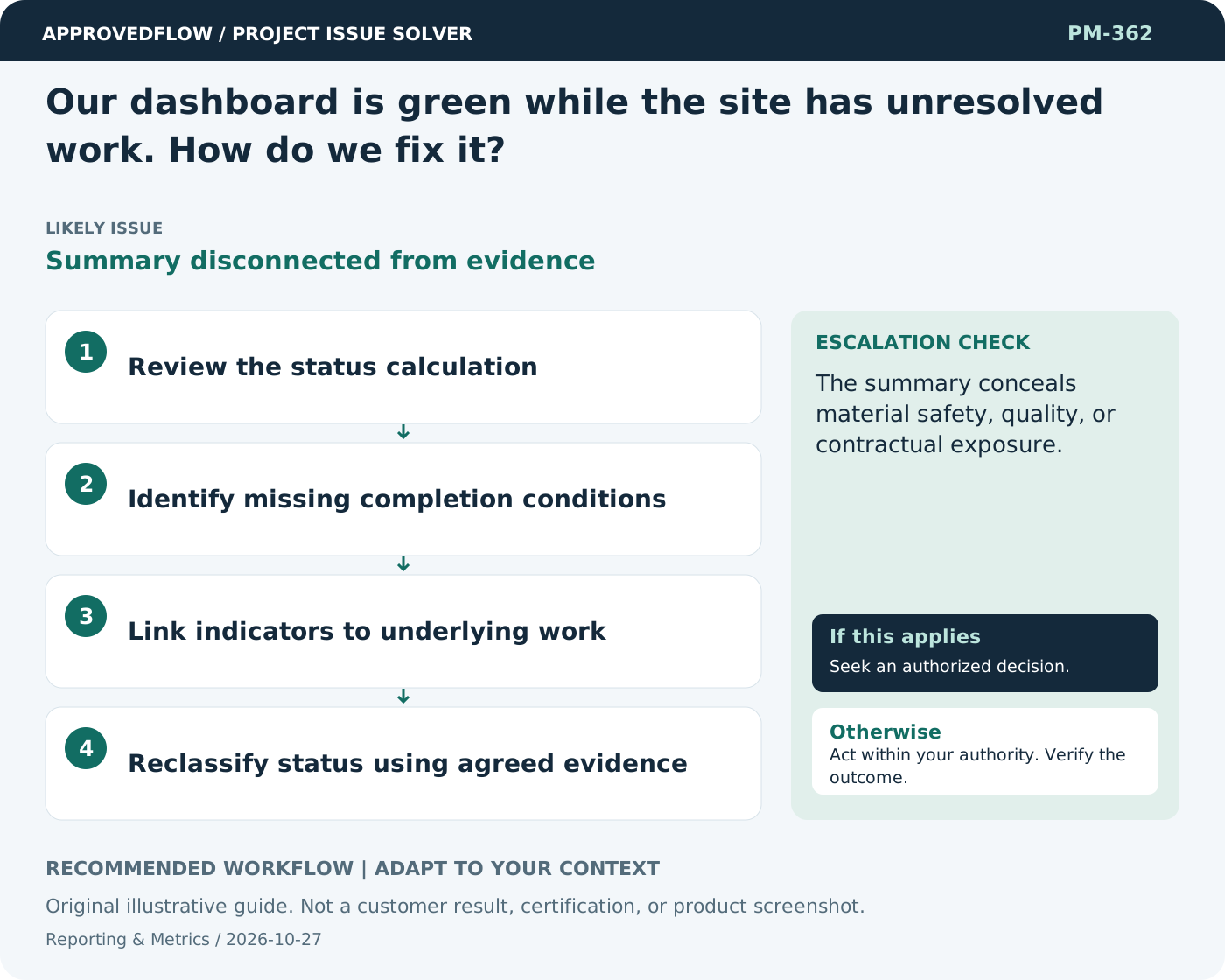
Summary disconnected from evidenceLink status to current delivery and acceptance evidence, including unresolved inspections, defects, and decisions. Make it easy to open the named records behind a summary.
What to do now
- Review the status calculation
- Identify missing completion conditions
- Link indicators to underlying work
- Reclassify status using agreed evidence
When to escalate
Escalate when
The summary conceals material safety, quality, or contractual exposure.
Who decides
The metric owner and relevant decision maker
Example
A handover stays at risk while required inspection and client acceptance records remain open.
Mistake to avoid
Changing dashboard colors without correcting the underlying completion rules.
Prevent a repeat
Check data freshness and meaning, and verify that the measure improves decisions rather than encouraging cosmetic progress.
Suggested ApprovedFlow setup
- Projects
- Tasks
- Timesheets
- Documents
Use the underlying named records and evidence when explaining a metric; validate any dashboard behavior against the current implementation. See the platform
Related cases
- How do we show uncertainty in a dashboard?False precision
- How do we validate a new project dashboard before launch?Untested management information
- The vendor reports green while milestones are missed. What should change?Supplier status without evidence
- We cannot fix an issue within the project. How should we transfer it?Unaccepted residual issue