How do we show uncertainty in a dashboard?
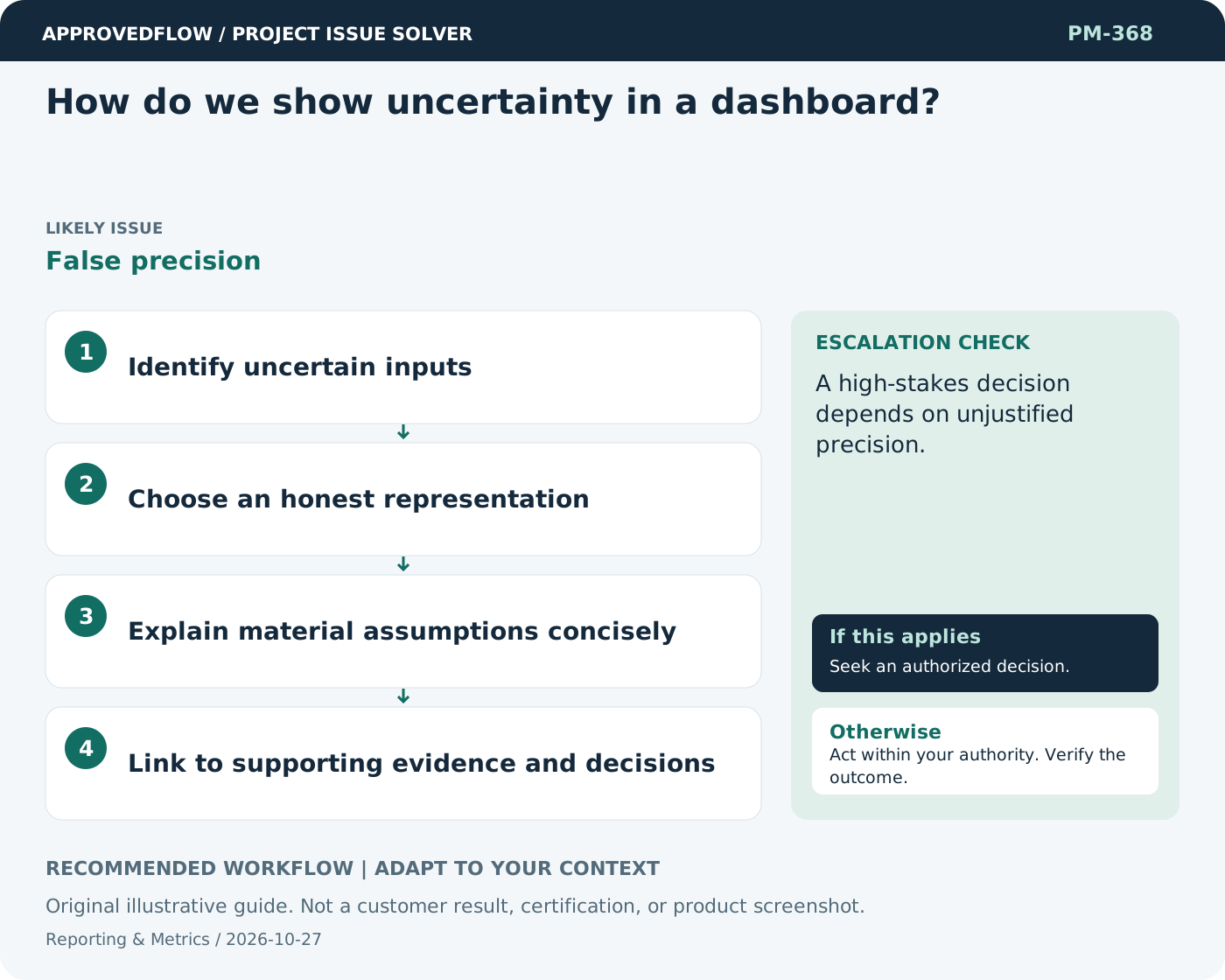
False precisionDisplay ranges, assumptions, missing evidence, or confidence limitations where relevant. A precise-looking number should not imply more certainty than the underlying method provides.
What to do now
- Identify uncertain inputs
- Choose an honest representation
- Explain material assumptions concisely
- Link to supporting evidence and decisions
When to escalate
Escalate when
A high-stakes decision depends on unjustified precision.
Who decides
The metric owner and relevant decision maker
Example
A cost forecast appears as a range with its main unresolved supplier assumption.
Mistake to avoid
Showing a forecast to two decimal places because the software allows it.
Prevent a repeat
Check data freshness and meaning, and verify that the measure improves decisions rather than encouraging cosmetic progress.
Suggested ApprovedFlow setup
- Projects
- Tasks
- Timesheets
- Documents
Use the underlying named records and evidence when explaining a metric; validate any dashboard behavior against the current implementation. See the platform
Related cases
- Our reports are always a week old. How should we show that?Hidden data freshness
- How do we validate a new project dashboard before launch?Untested management information
- How do we show agile progress to executives without misleading percentages?Outcome-focused adaptive reporting
- The deadline never changes, but the remaining work keeps growing. What should we show?Forecast-baseline disconnect