Someone pasted a secret key into a project document. What do I do?
Potential credential exposureTreat the key as potentially exposed and contact the authorized security or service owner. Use the incident process to revoke or rotate it safely, assess where it was accessible, and preserve needed evidence. Removing the text alone does not invalidate copies.
What to do now
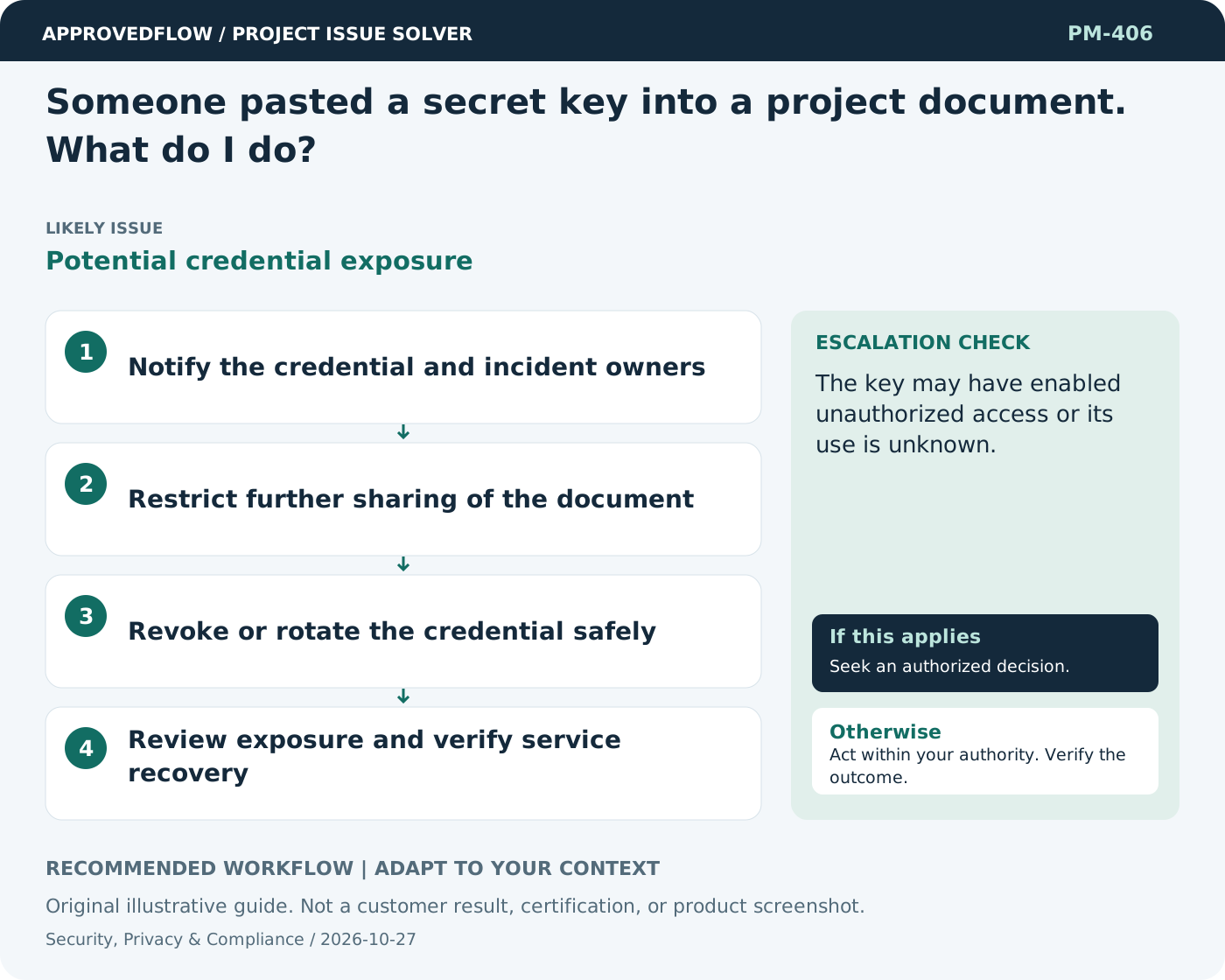
- Notify the credential and incident owners
- Restrict further sharing of the document
- Revoke or rotate the credential safely
- Review exposure and verify service recovery
When to escalate
The key may have enabled unauthorized access or its use is unknown.
The qualified security privacy legal or control owner
Example
An exposed API key is revoked and replaced through the integration owner's controlled process.
Mistake to avoid
Only deleting the visible text and assuming the credential is safe.
Prevent a repeat
Review access and controls when scope changes; obtain qualified advice for legal, regulatory and high-impact security decisions.
Suggested ApprovedFlow setup
- Documents
- Tasks
- Approvals
Track remediation tasks and non-sensitive review evidence; restrict sensitive incident or security detail through the authorized systems and permissions. See the platform
Related cases
- We do not know how long to retain project files. What should we do?Undefined information retention
- Our test environment contains real customer data. Is that acceptable?Uncontrolled test-data exposure
- Someone reports a safety concern during delivery. What should happen?Potential immediate harm
- A key stakeholder says they were never consulted. How should I respond?Stakeholder engagement gap