How do we stop temporary technical shortcuts becoming permanent?
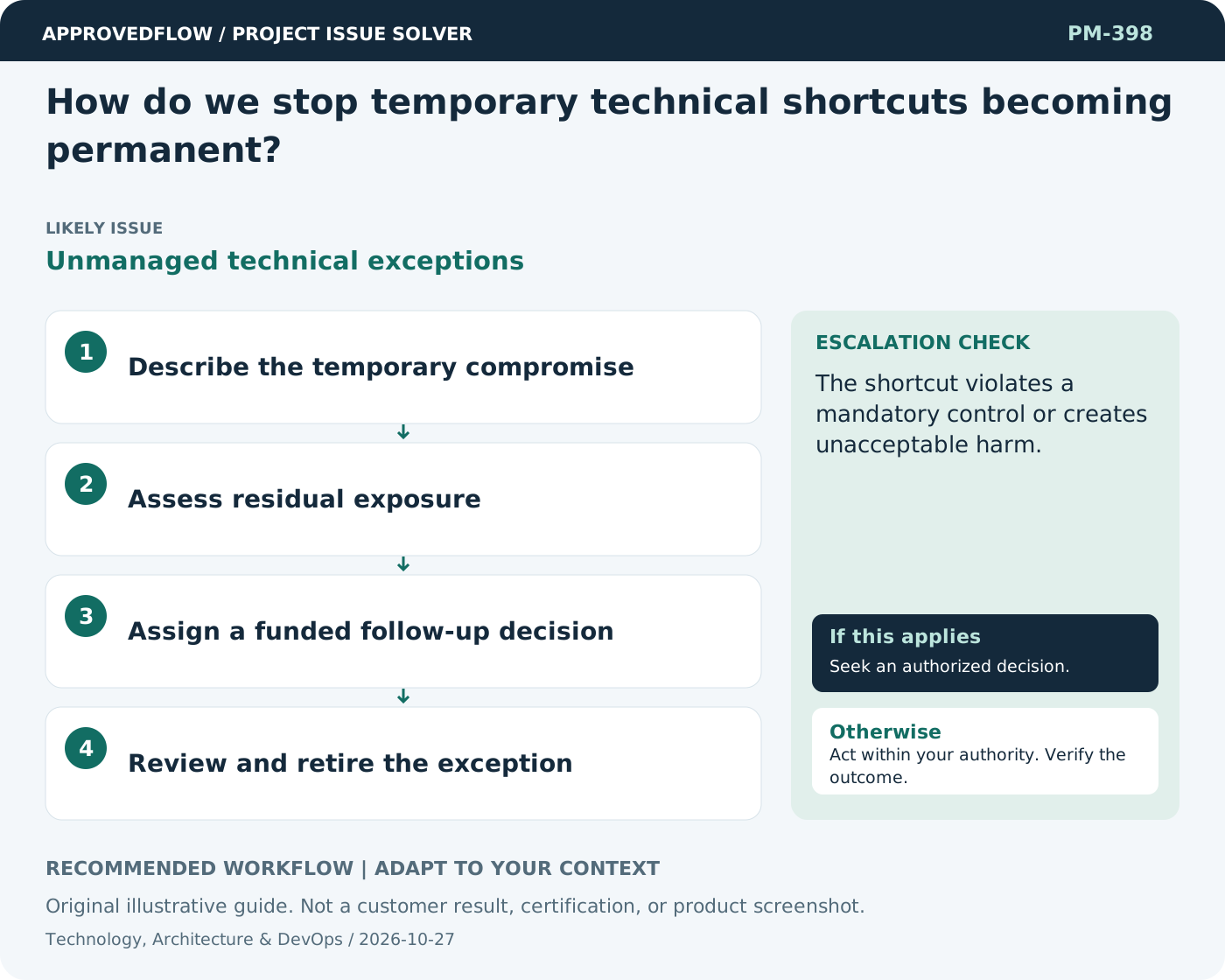
Unmanaged technical exceptionsRecord the shortcut's reason, limitations, owner, and expiry or replacement condition. Make remediation compete visibly for capacity rather than disappearing after the deadline.
What to do now
- Describe the temporary compromise
- Assess residual exposure
- Assign a funded follow-up decision
- Review and retire the exception
When to escalate
Escalate when
The shortcut violates a mandatory control or creates unacceptable harm.
Who decides
The technical owner and authorized release decision maker
Example
A manual import remains visible with a named automation follow-up and a documented validation control.
Mistake to avoid
Using temporary as a reason to omit ownership and review.
Prevent a repeat
Review real execution evidence and maintainability alongside feature completion; do not treat an unrun test as passed.
Suggested ApprovedFlow setup
- Tasks
- Documents
- Approvals
Track delivery tasks and attach engineering evidence; keep source control, build execution and technical controls in their actual engineering systems. See the platform
Related cases
- Technical debt keeps delaying new features. How should we prioritize it?Unmanaged technical drag
- How do we know a technical project is ready for handover?Incomplete technical transition
- We have a workaround but no permanent fix. Can we move on?Uncontrolled temporary workaround
- How can we tell whether a budget variance is temporary or permanent?Variance timing ambiguity