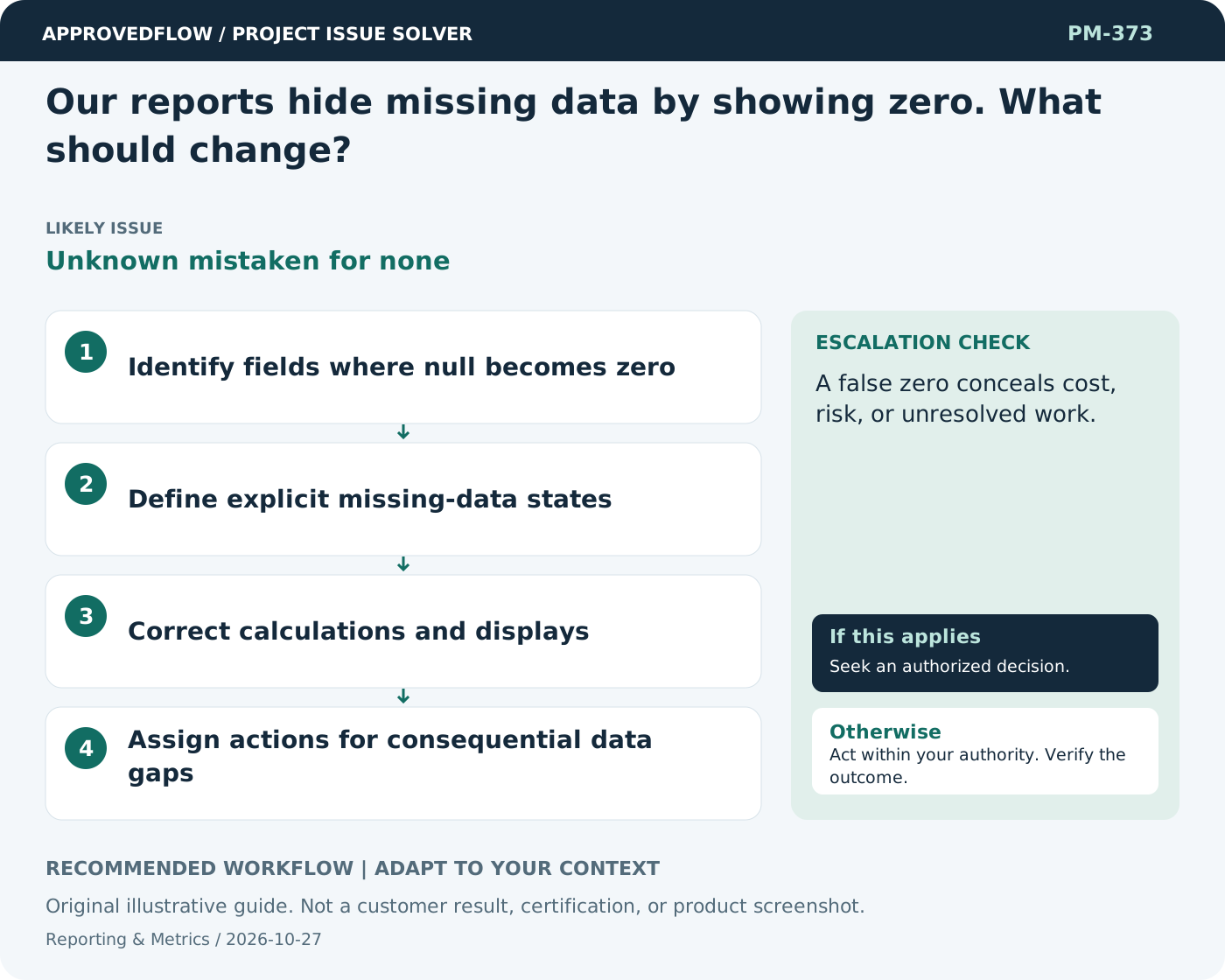
Our reports hide missing data by showing zero. What should change?
Unknown mistaken for noneRepresent missing, not applicable, and verified zero as different states. Decision-makers need to know whether a measure is reassuring or simply unavailable.
What to do now
- Identify fields where null becomes zero
- Define explicit missing-data states
- Correct calculations and displays
- Assign actions for consequential data gaps
When to escalate
Escalate when
A false zero conceals cost, risk, or unresolved work.
Who decides
The metric owner and relevant decision maker
Example
A dashboard shows unavailable rather than zero when no reconciled cost feed exists.
Mistake to avoid
Displaying zero overdue items when due dates were never entered.
Prevent a repeat
Check data freshness and meaning, and verify that the measure improves decisions rather than encouraging cosmetic progress.
Suggested ApprovedFlow setup
- Projects
- Tasks
- Timesheets
- Documents
Use the underlying named records and evidence when explaining a metric; validate any dashboard behavior against the current implementation. See the platform
Related cases
- Our reports are always a week old. How should we show that?Hidden data freshness
- How do we show uncertainty in a dashboard?False precision
- A change request has no budget impact listed. Is zero credible?Incomplete change impact
- We log issues, but none get closed. What should change?Issue tracking without resolution