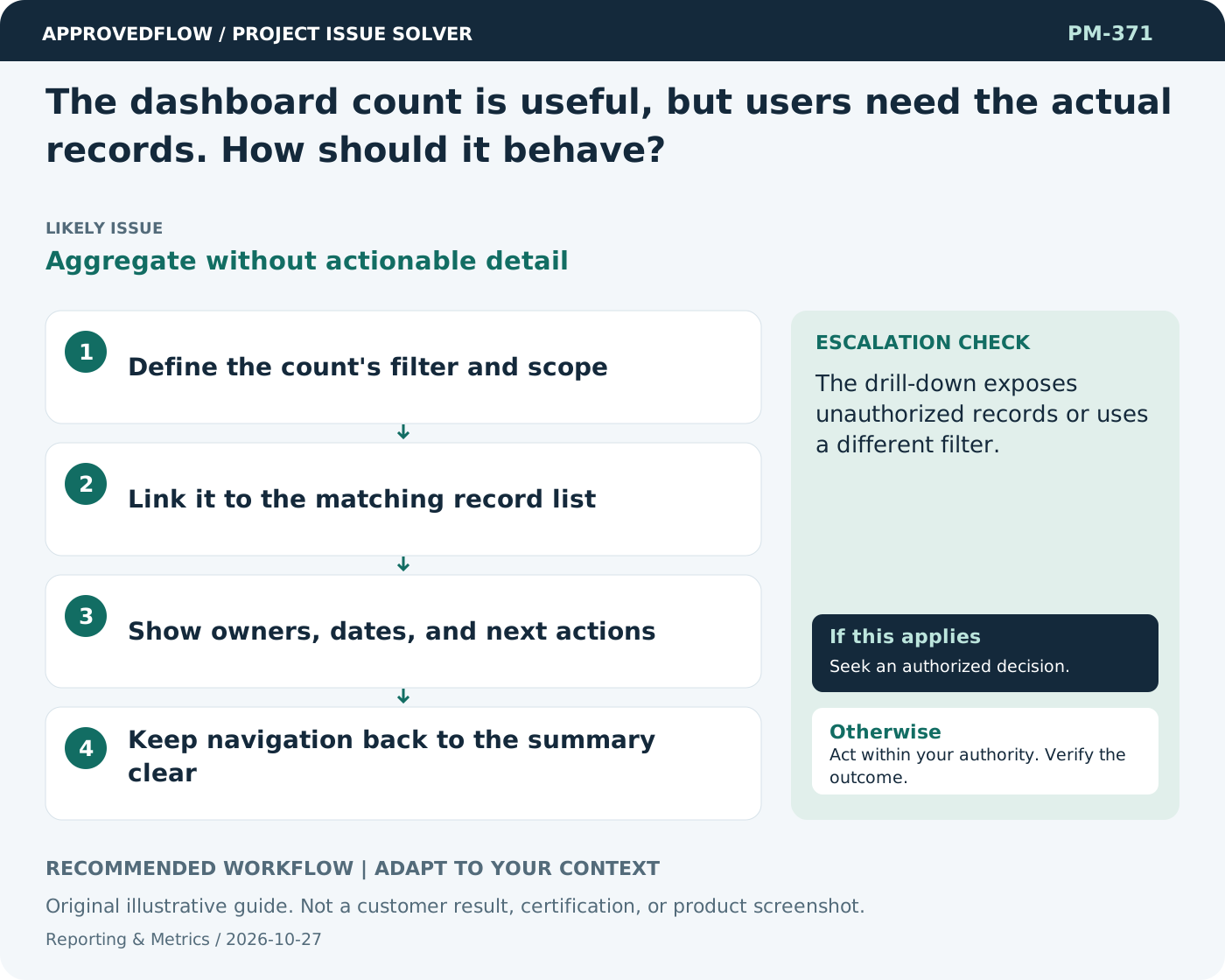
The dashboard count is useful, but users need the actual records. How should it behave?
Aggregate without actionable detailMake counts open the matching named records with relevant context and actions. Preserve the filter so users understand exactly what the number represented.
What to do now
- Define the count's filter and scope
- Link it to the matching record list
- Show owners, dates, and next actions
- Keep navigation back to the summary clear
When to escalate
Escalate when
The drill-down exposes unauthorized records or uses a different filter.
Who decides
The metric owner and relevant decision maker
Example
Clicking overdue approvals shows the specific requests, approvers, waiting time, and permitted follow-up actions.
Mistake to avoid
Opening another summary card when the user clicked a count.
Prevent a repeat
Check data freshness and meaning, and verify that the measure improves decisions rather than encouraging cosmetic progress.
Suggested ApprovedFlow setup
- Projects
- Tasks
- Timesheets
- Documents
Use the underlying named records and evidence when explaining a metric; validate any dashboard behavior against the current implementation. See the platform
Related cases
- How do we show uncertainty in a dashboard?False precision
- How do we validate a new project dashboard before launch?Untested management information
- How do we track the cumulative effect of many changes?Invisible aggregate change impact
- How do we maintain a useful project inventory?Unreliable portfolio baseline