We approved a change, but the team still uses the old plan. Why?
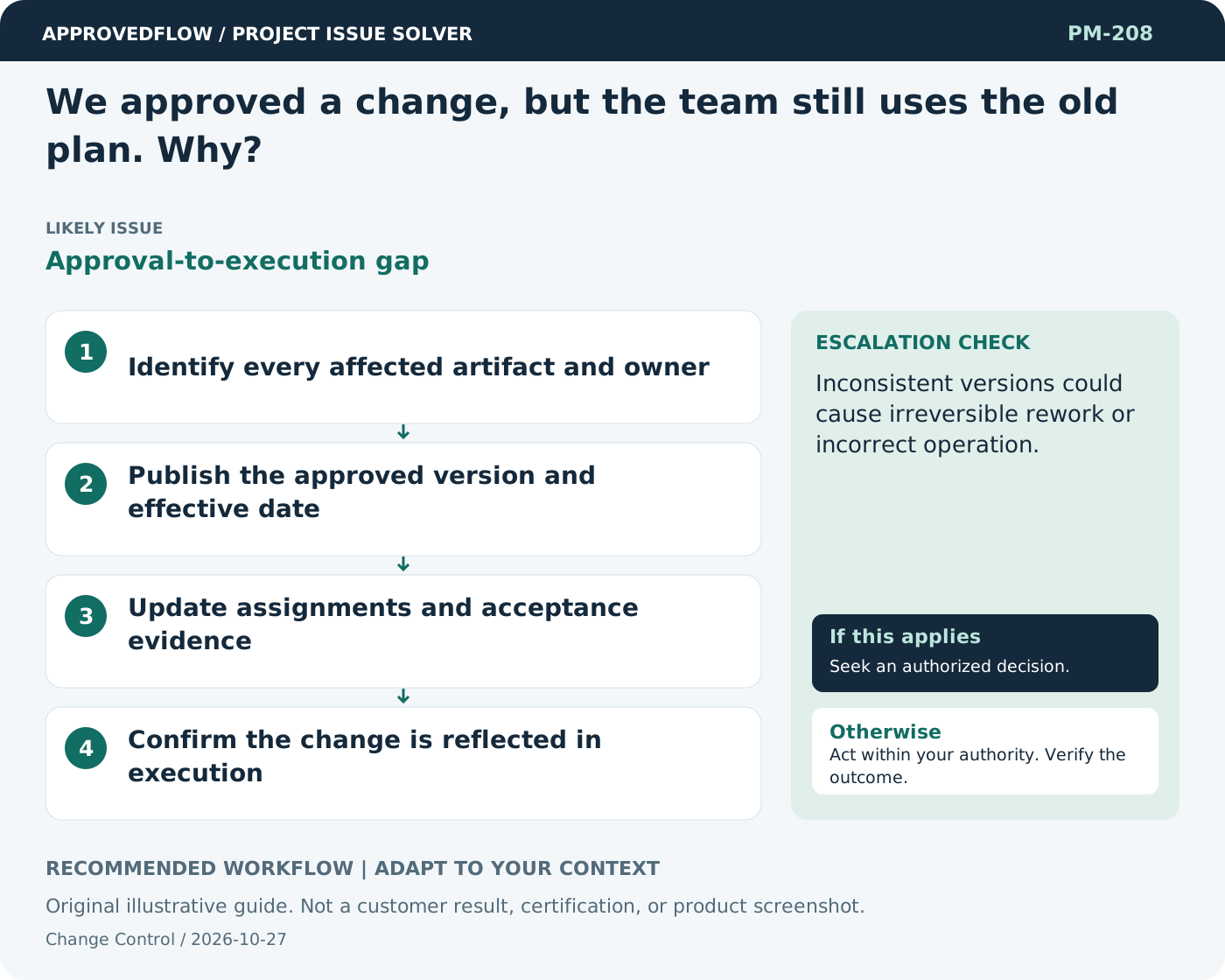
Approval-to-execution gapTreat approval as the start of coordinated implementation, not the end of the process. Update affected plans, records, tests, and responsibilities and verify that owners received the change.
What to do now
- Identify every affected artifact and owner
- Publish the approved version and effective date
- Update assignments and acceptance evidence
- Confirm the change is reflected in execution
When to escalate
Escalate when
Inconsistent versions could cause irreversible rework or incorrect operation.
Who decides
The authorized change decision maker
Example
A revised data field is updated in the specification, integration mapping, test cases, and user guidance.
Mistake to avoid
Assuming a change-board decision automatically updates everyone.
Prevent a repeat
Compare delivered changes with authorized decisions and keep the current baseline distinguishable from earlier versions.
Suggested ApprovedFlow setup
- Documents
- Approvals
- Tasks
Keep the change request, impact assessment and recorded decision together; update affected tasks only after the appropriate authorization. See the platform
Related cases
- People implement changes before approval. How do we regain control?Unauthorized baseline change
- We need to reverse an approved change. What is the right process?Change reversal
- Our requirements document is approved, but users still disagree. Why?Approval without shared understanding
- Our project depends on a funding approval that is not confirmed. Can work begin?Unfunded commitment risk