Our training is in English, but many users work in Arabic. How should we plan it?
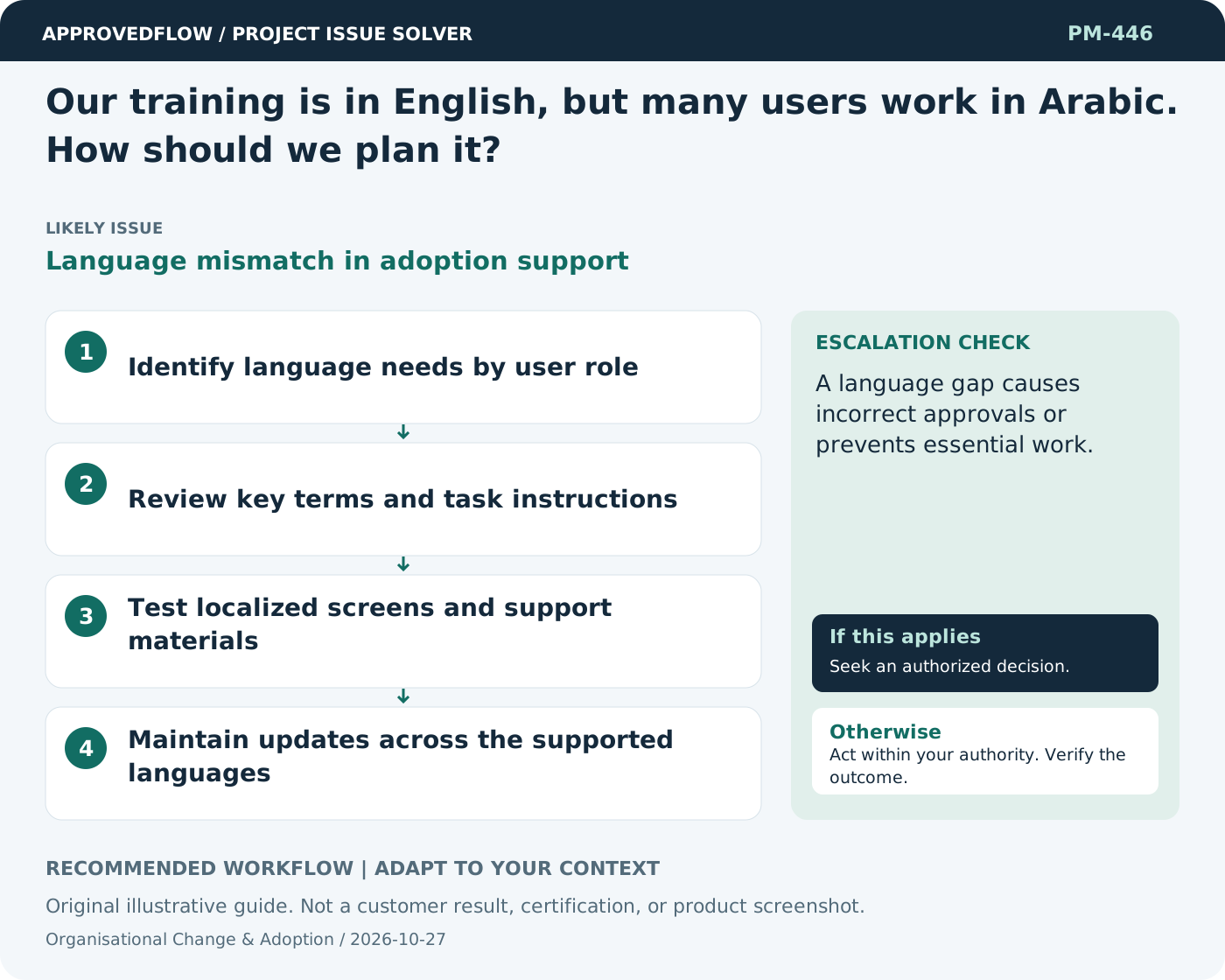
Language mismatch in adoption supportProvide role-specific instructions in the languages users actually need, with reviewed terminology and matching screens. Test understanding of important actions, dates, and error messages. Translation should preserve meaning and usability rather than merely replacing menu labels.
What to do now
- Identify language needs by user role
- Review key terms and task instructions
- Test localized screens and support materials
- Maintain updates across the supported languages
When to escalate
A language gap causes incorrect approvals or prevents essential work.
The business process owner and change sponsor
Example
Arabic-speaking requesters practice the same submission task using reviewed Arabic instructions and RTL screens.
Mistake to avoid
Using automatic translation without checking important business terms.
Prevent a repeat
Measure successful use of the intended workflow and resolve recurring barriers instead of relying only on attendance or logins.
Suggested ApprovedFlow setup
- Tasks
- Documents
- Resources
Assign role-specific readiness and feedback actions, keep reviewed job aids with the project, and record accepted operating responsibilities. See the platform
Related cases
- Our policy still describes the old workflow. Can training solve that?Policy and operating process mismatch
- Training attendance was high, but users still cannot finish tasks. What now?Training activity mistaken for readiness
- Users request a change during training. Should we implement it immediately?Late adoption feedback
- Our resource plan ignores support work. What should change?Missing operational demand