AI extracts invoice fields, but some amounts are wrong. What controls do we need?
Unverified document extractionValidate extracted values against source evidence and business rules before they become financial records. Route uncertain or conflicting fields for human review, especially totals, currency, dates, and supplier identity. Preserve the original document and corrections for traceability.
What to do now
- Show extracted fields beside their source evidence
- Check totals currency and identity consistency
- Route exceptions to an authorized reviewer
- Save verified values and correction history
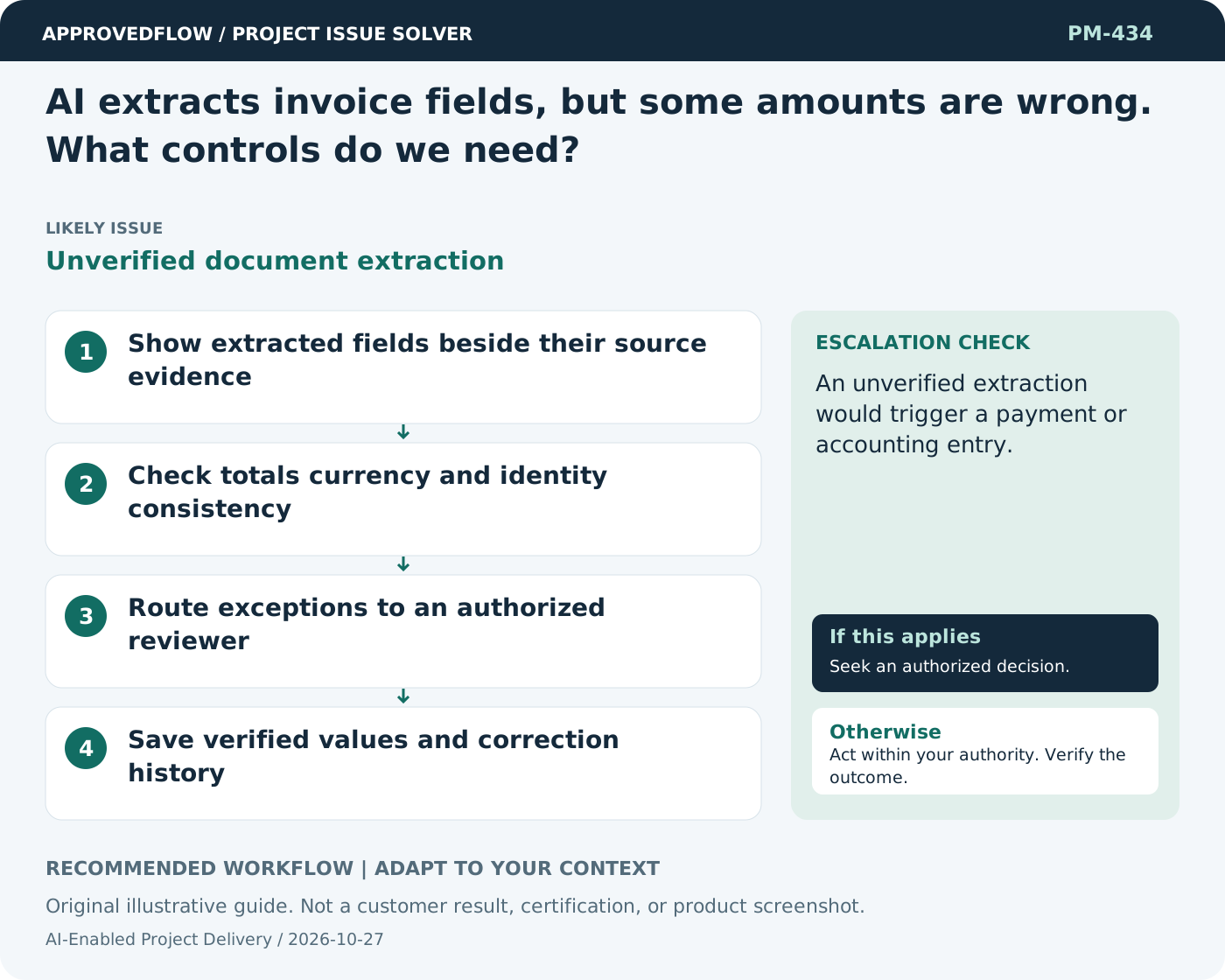
When to escalate
An unverified extraction would trigger a payment or accounting entry.
The AI service owner and relevant authorized reviewer
Example
A reviewer corrects a decimal separator before the extracted invoice total enters the workflow.
Mistake to avoid
Accepting every field merely because the overall document confidence is high.
Prevent a repeat
Re-evaluate after changes to models, prompts, tools or source data; keep important decisions accountable to people.
Suggested ApprovedFlow setup
- Tasks
- Documents
- Approvals
Track evaluation and review tasks, and keep approved evidence with the work; do not claim the platform provides an unverified AI agent or automated diagnosis. See the platform
Related cases
- AI usage costs are rising faster than adoption. What should we examine?Uncontrolled inference consumption
- The AI answer cites a document that does not support its advice. What should I change?Citation without grounded support
- An acceptance test fails because the requirement was wrong. What should happen?Requirement validation failure
- The security checklist is complete, but permission tests were never run. Is that enough?Unverified authorization controls