How do we track dependencies without building an unreadable chart?
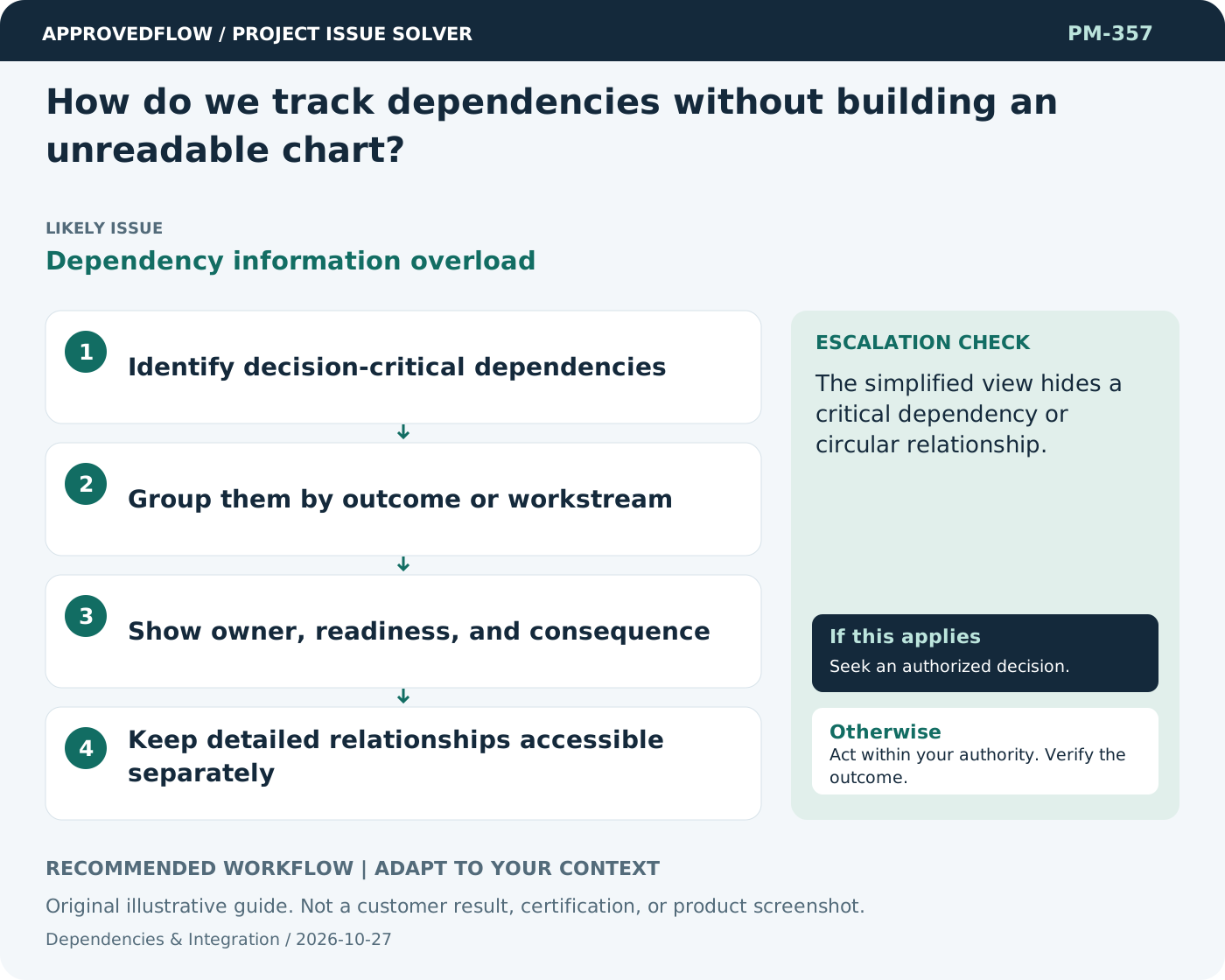
Dependency information overloadShow the dependencies that drive decisions at each level, with detailed links available when needed. A clear list of critical handoffs can be more useful than one enormous diagram.
What to do now
- Identify decision-critical dependencies
- Group them by outcome or workstream
- Show owner, readiness, and consequence
- Keep detailed relationships accessible separately
When to escalate
Escalate when
The simplified view hides a critical dependency or circular relationship.
Who decides
The accountable integration or dependency owner
Example
The sponsor sees five critical external handoffs while delivery teams use the detailed schedule.
Mistake to avoid
Displaying every task relationship in an executive slide.
Prevent a repeat
Verify dependency completion with the consuming team and test the integrated outcome early enough to act.
Suggested ApprovedFlow setup
- Tasks
- Documents
- Projects
Keep dependency owners, required evidence and dates with linked work records, confirming supported link behavior in the current build. See the platform
Related cases
- How do we manage dependencies between business and technical work?Cross-discipline handoff gap
- We discovered a dependency late in the project. How do we assess it?Hidden dependency
- How many project KPIs should we track?Metric overload
- Developers keep adding new libraries. What should we control?Unmanaged software dependencies