How do we stop approved scope from drifting between versions?
Baseline version driftMaintain a clearly identified current baseline and a traceable record of approved changes. Ensure delivery teams can distinguish draft discussions from the version they are authorized to implement.
What to do now
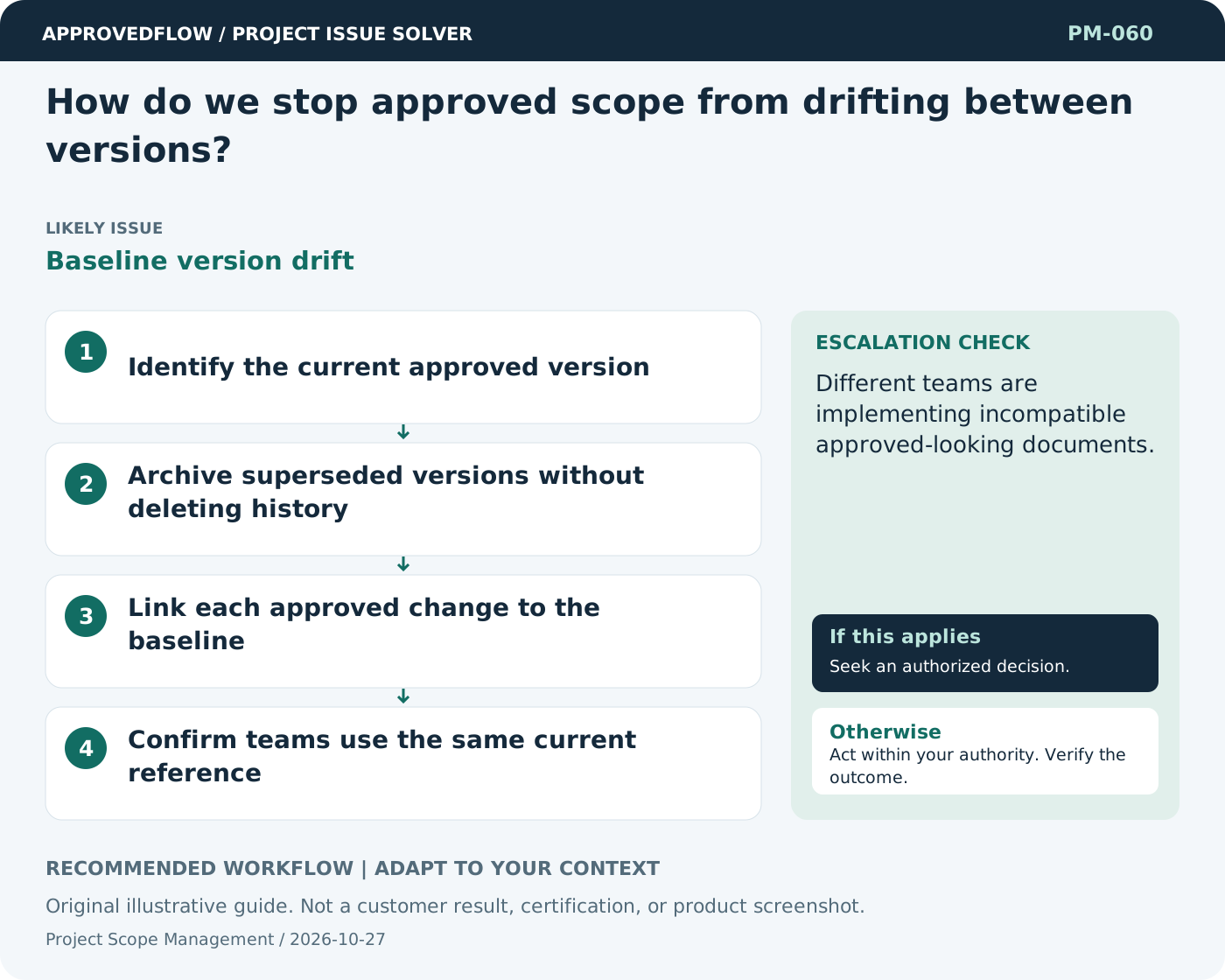
- Identify the current approved version
- Archive superseded versions without deleting history
- Link each approved change to the baseline
- Confirm teams use the same current reference
When to escalate
Escalate when
Different teams are implementing incompatible approved-looking documents.
Who decides
The scope owner and authorized sponsor
Example
A revised specification includes a change summary and approval record rather than silently replacing the old file.
Mistake to avoid
Overwriting the original scope document without a change history.
Prevent a repeat
Review ambiguous requirements and unresolved acceptance conditions before the affected work begins.
Suggested ApprovedFlow setup
- Projects
- Tasks
- Documents
- Approvals
Keep the agreed scope and acceptance evidence with the project; record any proposed change and its decision separately. See the platform
Related cases
- Our requirements document is approved, but users still disagree. Why?Approval without shared understanding
- How can we manage scope when users discover needs during delivery?Evolving requirements
- How do we keep environments from drifting apart?Configuration drift
- Our archive contains everything, but nobody can find the final version. What should change?Unusable closure archive