Users with accessibility needs cannot complete the new workflow. What do we do?
Exclusionary implementationTreat accessibility barriers as real delivery defects and involve affected users and qualified accessibility reviewers. Identify safe interim arrangements while correcting the workflow. Do not declare adoption complete when essential tasks exclude part of the intended user population.
What to do now
- Capture the blocked tasks respectfully
- Arrange an accessibility review and user testing
- Prioritize fixes and safe interim access
- Verify the corrected tasks with affected users
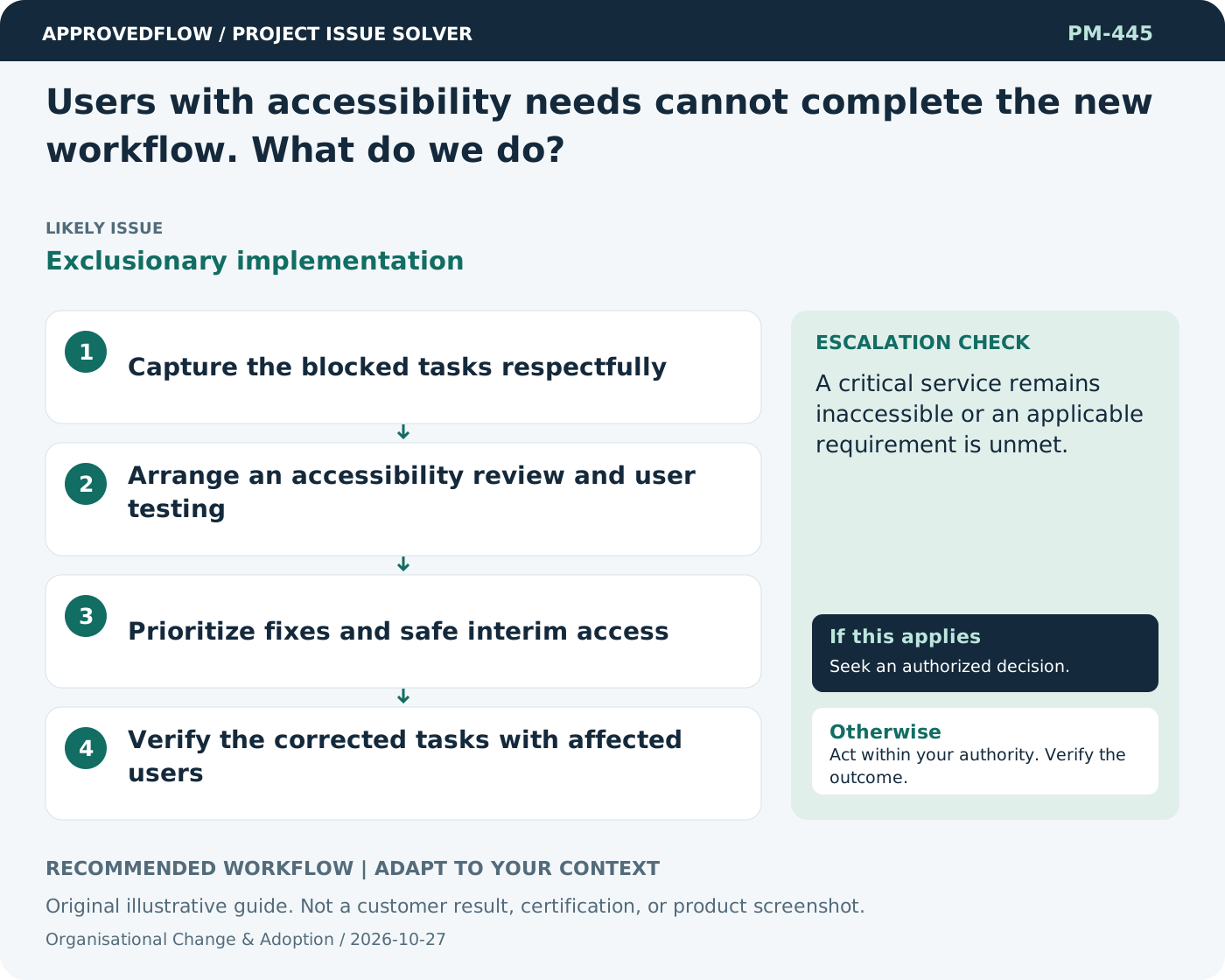
When to escalate
A critical service remains inaccessible or an applicable requirement is unmet.
The business process owner and change sponsor
Example
Keyboard users can finally approve a request after focus handling and button labels are corrected.
Mistake to avoid
Offering a training session instead of fixing an inaccessible control.
Prevent a repeat
Measure successful use of the intended workflow and resolve recurring barriers instead of relying only on attendance or logins.
Suggested ApprovedFlow setup
- Tasks
- Documents
- Resources
Assign role-specific readiness and feedback actions, keep reviewed job aids with the project, and record accepted operating responsibilities. See the platform
Related cases
- We launched the system, but staff still use spreadsheets. Why?Unresolved adoption barriers
- Our policy still describes the old workflow. Can training solve that?Policy and operating process mismatch
- Developers say the feature works, but users cannot complete the process. What is missing?Component success without user journey
- How can we manage scope when users discover needs during delivery?Evolving requirements