The agent changed many records incorrectly. How do we recover?
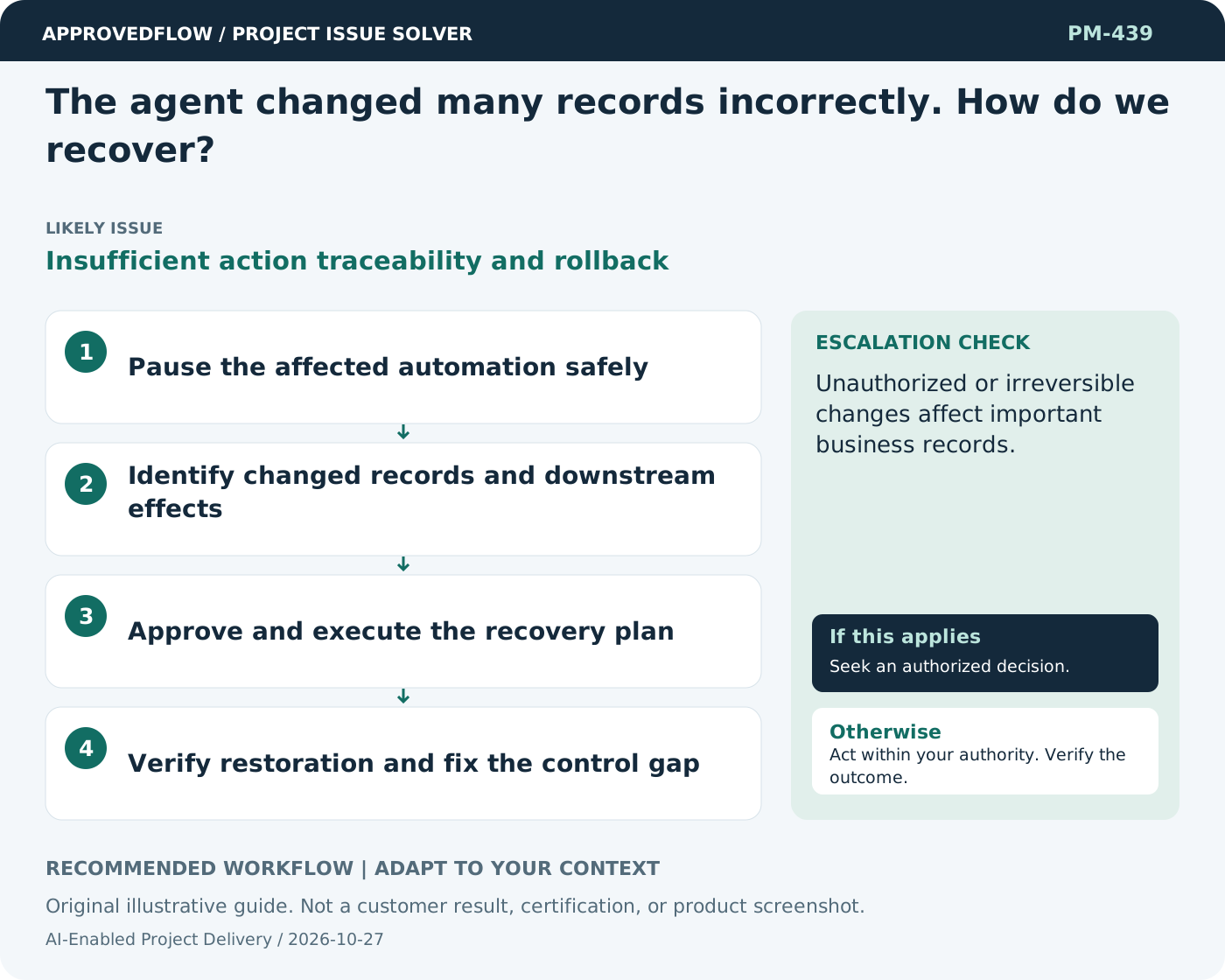
Insufficient action traceability and rollbackStop further automated actions through the authorized control and notify the affected owners. Use the action log to identify changes and follow a tested recovery process, checking for downstream effects. Restore only with proper authorization rather than applying another broad unreviewed agent command.
What to do now
- Pause the affected automation safely
- Identify changed records and downstream effects
- Approve and execute the recovery plan
- Verify restoration and fix the control gap
When to escalate
Unauthorized or irreversible changes affect important business records.
The AI service owner and relevant authorized reviewer
Example
An action log identifies the twenty due dates changed, allowing a reviewed restoration from prior values.
Mistake to avoid
Asking the same uncontrolled agent to undo everything without an impact review.
Prevent a repeat
Re-evaluate after changes to models, prompts, tools or source data; keep important decisions accountable to people.
Suggested ApprovedFlow setup
- Tasks
- Documents
- Approvals
Track evaluation and review tasks, and keep approved evidence with the work; do not claim the platform provides an unverified AI agent or automated diagnosis. See the platform
Related cases
- Should every project workflow become an AI agent?Unnecessary autonomy
- An AI agent can approve expenses automatically. Should we enable it?Excessive automated decision authority
- Our meetings end without clear actions. What should change?Discussion without commitment
- We still have open actions at closure. Must every action be finished first?Uncontrolled residual work transfer